Sector guides
AI for a small construction business: what to hand over

Founder of Get AI Working
Published Updated Facts checked
In short
Hand it the paperwork you do after dark: client updates, the wording of a variation and the first draft of a safe work method statement, each from your notes, checked and signed by you. Don't take measurements or quantities from a chat app reading your plans; ChatGPT's maker says it struggles with precise positions and may give approximate counts.
A small building business runs on two shifts: the one on site, and the one at the kitchen table after dinner. The second shift is paperwork, and it’s the part worth handing to an AI assistant.
The site work, the price and the signature stay with you. Here’s where that line sits for a builder in Western Sydney or the Blue Mountains, with NSW’s own rules for the paperwork on home building work.
How can AI help my small construction business?
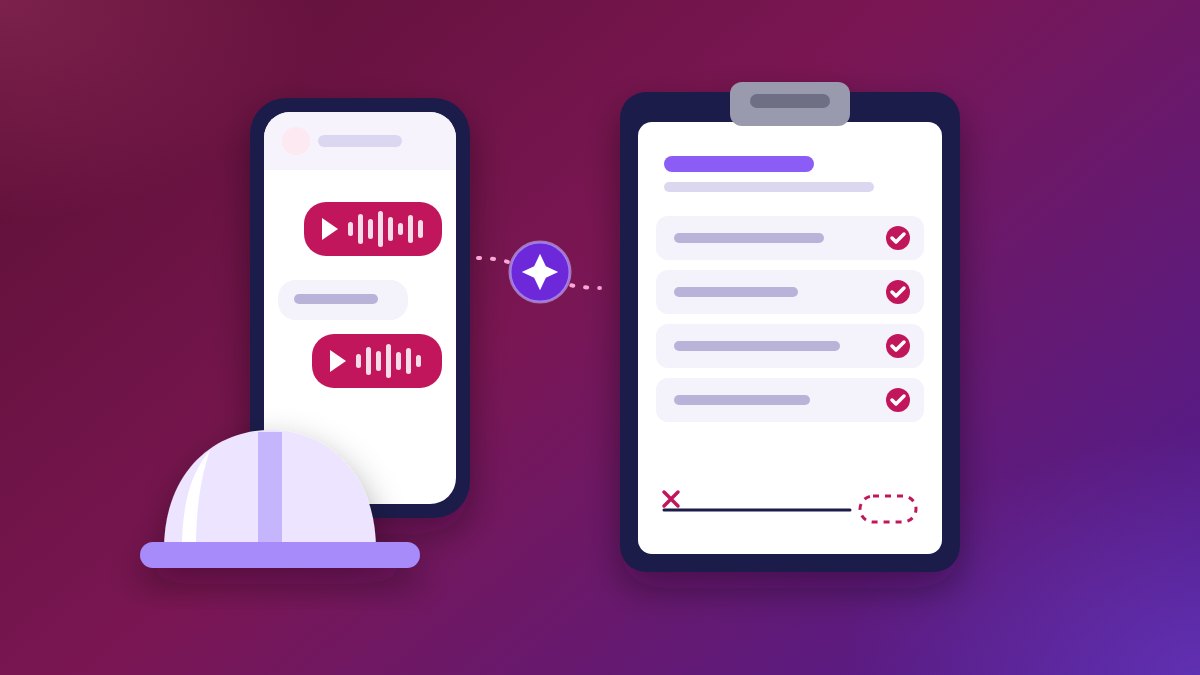
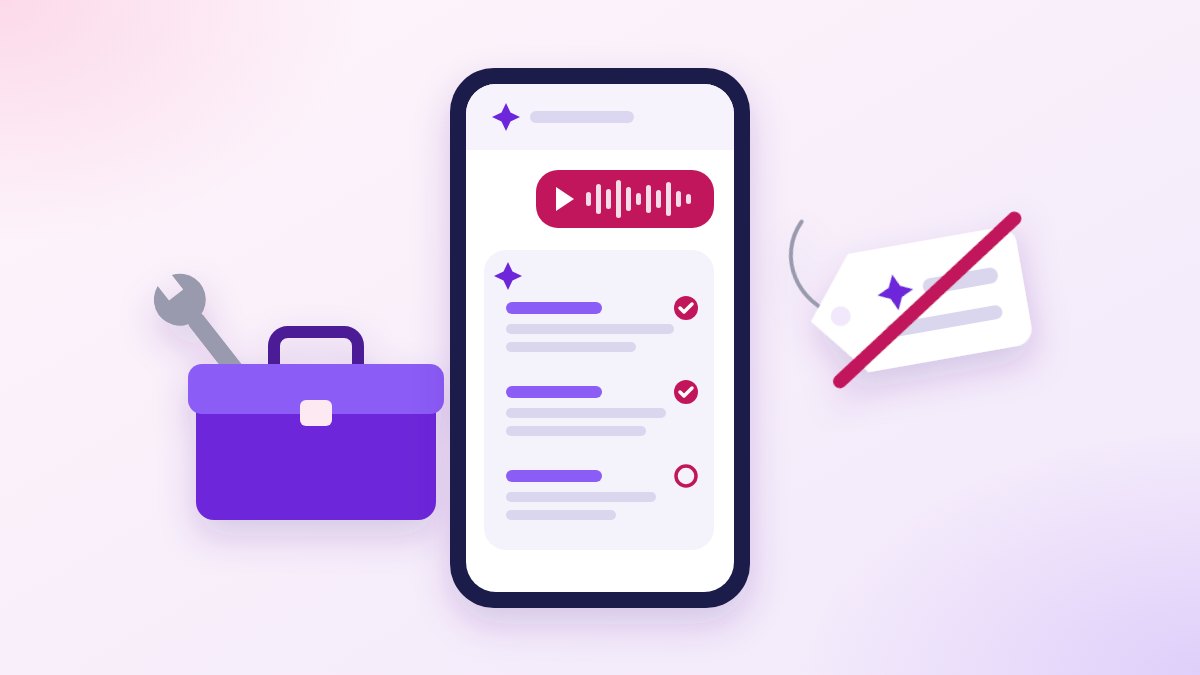
By turning your notes into first drafts. An AI assistant is a chat app, such as ChatGPT, Claude, Copilot or Gemini, that you type or talk to. Record a voice note on the drive home, paste in what your phone typed from it, and ask for the document.
The jobs I’d give it first:
- The weekly client update. What got done, what’s next, and what you need from them.
- Site diary notes, the daily record of who was on site and what got done, tidied from a voice note into the same headings every day.
- The wording of a variation, a written change to the agreed work and its price, built around what the NSW Government says must be in it on home building work (below).
- The first draft of a safe work method statement, which you then make about the actual site (below).
- Plain English from paperwork. A council condition or a supplier’s terms, explained, then checked against the page.
Check what your job software, or the estimating software you price jobs in, already does first. If it already writes these, switch that on before paying for anything new. Our post on AI for tradies covers what the job apps include.
Can AI write my variations?
It can draft the wording. On home building work, NSW law decides what goes in it, and you sign it.
The NSW Government’s page on building contracts says variations “must be in writing and attached to the contract and signed by both you and the contracting builder/tradesperson, or their nominated supervisor or agent”.1 Before the varied work starts, it says the builder should give the homeowner “a written description of the work”, “any plans or specifications for the work”, and “the extra cost, and any extra time required to complete the work”.1
On the price, it says “Documents authorising variations must contain a statement explaining the cost implications of the variation and their impact on the overall contract price”, and “Calculation of the price change should be shown, rather than just a simple dollar amount”.1 For larger jobs, its guide for trades says the contract itself must include a clause that variations “must be in writing and signed by both the homeowner and contractor”.2
That gives you a checklist to build the prompt around. A prompt to copy:
From my notes below, write a variation notice for the homeowner with five parts: the work, the plans or specifications it relates to, the extra cost with how I worked it out, the extra time, and what it does to the overall contract price. Use only my figures. Leave a blank wherever I haven’t given one.
The figures are yours. Read every line before it’s signed, because your name is on it.
Can AI write a safe work method statement?
It can write a first draft. The finished version has to be about your site, and that part is your job.
A safe work method statement, or SWMS, is a safety plan that must be prepared before high risk construction work starts, such as work with “a risk of a person falling more than two metres”, according to SafeWork NSW.3 SafeWork NSW says “A SWMS must be site-specific”.3
It also says a generic SWMS, one written to be used again and again, “must be reviewed and take into account site-specific hazards and risks”.3 And reviews “should be carried out in consultation with” the other businesses on site, your workers and subcontractors, and their health and safety representatives.3
An AI draft is, at most, a generic SWMS. So use it for the structure and the wording, then walk the site, talk to the crew, and add what’s actually there: the access, the powerlines, the other trades working at the same time.3
Can ChatGPT read building plans?
It can look at them. I wouldn’t measure or count from them.
OpenAI, which makes ChatGPT, says it can “understand and interpret images” you add to a chat.4 Its own list of limits reads like a warning label for plans, though. It says the model “may struggle to understand graphs or text” where line styles such as solid, dashed or dotted vary,4 and plans are full of dashed lines.
It goes on to say the model struggles with tasks that need precise positions, meaning working out exactly where things sit.4 Images are “resized before analysis, affecting their original dimensions”, and for counting it “May give approximate counts for objects in images”.4
Approximate is fine for a chat. It isn’t fine for a materials order.
I’d treat Claude, Copilot and Gemini the same way until their makers say otherwise. Use a chat app to explain a note on a plan, or to list the questions to ask the designer.
For quantities, use your estimating software or your scale ruler. Buildxact, for one, says its AI is “fully integrated into your estimating and planning workflow”,5 so check what yours already does before you look elsewhere, and check its numbers the same way.
What should stay off the AI entirely?
Three things, in my view:
- The price. It doesn’t know your rates, your suppliers or what’s behind the wall. OpenAI says ChatGPT “can produce incorrect or misleading outputs” and that “Confidence isn’t reliability”.6
- Anything you sign or certify. Contracts, variations and safety documents go out under your name and your licence, so you check every line.
- Your clients’ personal details. The Office of the Australian Information Commissioner (OAIC), the privacy regulator, recommends that businesses “do not enter personal information, and particularly sensitive information, into publicly available generative AI tools”,7 meaning AI tools that write things for you and that anyone can sign up to online. Take names, addresses and phone numbers out before you paste.
What should I do this week?
- Pick the job you do at the kitchen table. The client update is the easiest start.
- Record a voice note on the drive home from one job.
- Paste it in with a prompt that says use only my notes, and ask me if something’s missing.
- Read every line, fix what’s wrong, and send it yourself.
- Next week, try the variation prompt on the next change a client asks for.
What we do for builders, including getting found when someone searches for one, is on our page for builders.
If you’d rather hand it over
AI Automation can give you first drafts of safe work method statements and policies, for you to make your own. If what you need is different, we scope it.
Book a free hour.
Sources and notes
- Verified, read 28 October 2026. NSW Government, "Contracts for residential building work", section "Additions and variations to a contract", managed by Building Commission NSW, last updated 29 April 2026; the old NSW Fair Trading address now redirects here. https://www.nsw.gov.au/housing-and-construction/building-or-renovating-a-home/preparing/contracts
- Verified, read 28 October 2026. NSW Government, "Guide to providing home building contracts", managed by Building Commission NSW, last updated 11 June 2026; the old NSW Fair Trading address now redirects here. https://www.nsw.gov.au/housing-and-construction/compliance-and-regulation/your-obligations-to-your-customers/guide-to-providing-home-building-contracts
- Verified, read 27 October 2026. SafeWork NSW, "Prepare a safe work method statement", citing the Work Health and Safety Regulation 2025; no date shown on the page. https://www.safework.nsw.gov.au/your-industry/construction/construction/general-requirements/prepare-safe-work-method-statement
- Verified, read 27 October 2026. OpenAI Help Center, "ChatGPT Image Inputs FAQ"; the page said it was updated seven days before it was read. https://help.openai.com/en/articles/8400551-chatgpt-image-inputs-faq
- Verified, read 27 October 2026. Buildxact, "Features", Buildxact Australia; no date shown. https://www.buildxact.com/au/features/
- Verified, read 27 October 2026. OpenAI Help Center, "Does ChatGPT tell the truth?"; the page said it was updated four days before it was read. https://help.openai.com/en/articles/8313428-does-chatgpt-tell-the-truth
- Verified, read 27 October 2026. Office of the Australian Information Commissioner, "Guidance on privacy and the use of commercially available AI products", published 21 October 2024, updated 17 January 2025. https://www.oaic.gov.au/privacy/privacy-guidance-for-organisations-and-government-agencies/guidance-on-privacy-and-the-use-of-commercially-available-ai-products
Sector guides
AI for tradies: what to set up first and what to skip
What AI can take off a tradie's week, what your job app already does, the free set-up worth doing first, and the jobs to keep AI away from.
Rory McNeil 
Sector guides
What a customer sees when they ask an AI assistant for a plumber or a builder
We asked ChatGPT, Perplexity and Google's AI for a plumber and a builder. What came back, and how to check what they say about your trade.
Rory McNeil 
Sector guides
How a building business gets found: the map, reviews and what the AI assistants say
Three parts to being found as a builder: Google's map, reviews asked the way Google allows, and what the AI assistants say. The whole how.
Rory McNeil