Sector guides
AI for tradies: what to set up first and what to skip

Founder of Get AI Working
Published Facts checked
In short
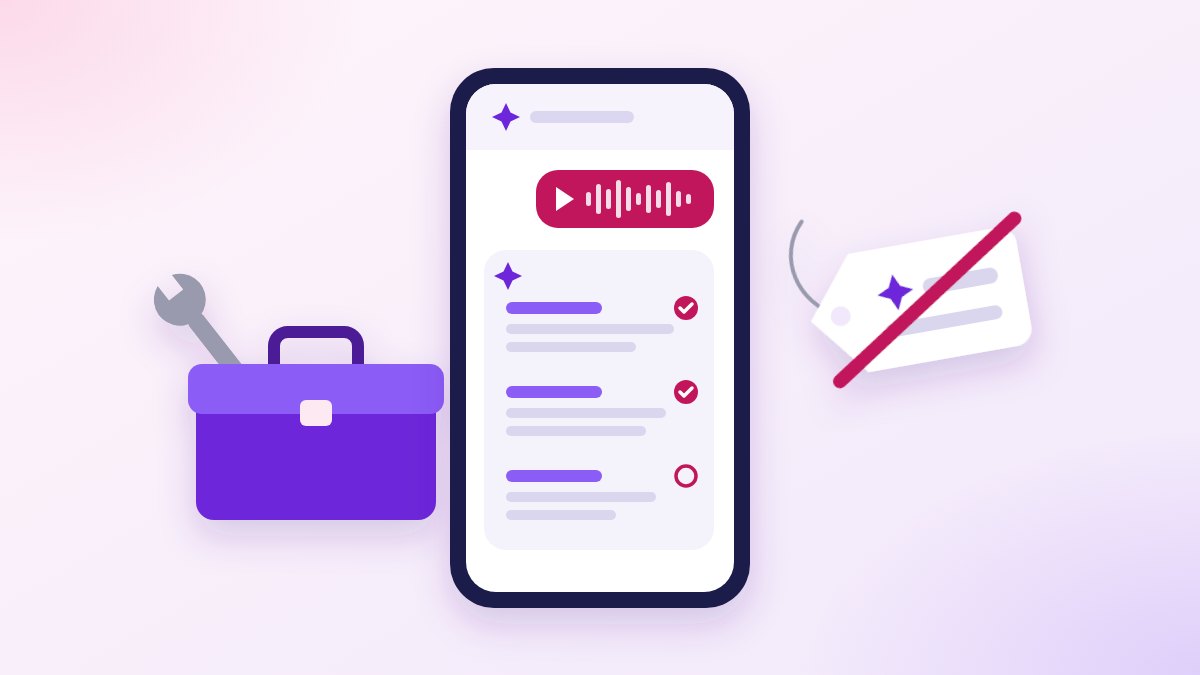
Start with the writing, not new software. A free AI assistant such as ChatGPT, Claude, Copilot or Gemini can turn your voice notes, customer replies and review answers into drafts tonight. Check what your job app already does before you buy anything, and keep AI away from pricing, anything you sign and your customers' personal details.
AI won’t fix a leaking tap, and it won’t price one either. What it can do is the writing that piles up after the tools go back in the ute.
Here’s what’s worth setting up first for a small trade business in Western Sydney or the Blue Mountains, what your job app already handles, and where AI should stay out of it.
What can AI actually do for a tradie?
It writes first drafts and reads things for you. An AI assistant is a chat app, such as ChatGPT, Claude, Copilot or Gemini, that you type or talk to, and it answers in plain words.
For a trade business, that means jobs like these:
- Job notes from a voice note. Talk it through in the ute, and get back tidy notes: what you found, what you did, what’s left.
- The reply you’ve been putting off. The customer unhappy about the mess, or the one after a discount. You say what you mean, and it says it calmly.
- Plain English from paperwork. A supplier’s terms, a strata letter, a council notice. It tells you what the page says and what you need to do, and you check that against the page.
- Review replies. A short, polite answer to each Google review, in your words.
- Website words. The suburbs you cover and the work you do, written so a customer gets it first time.
None of that needs new software. It needs one app on your phone and a habit.
Does your job app already do it?
Check that before you buy anything. If you run ServiceM8 or Tradify, the app that already holds your jobs, several of the things sold as “AI for tradies” are in there already.
ServiceM8’s own page says its AI drafts quotes from the job card and your past jobs, writes invoices, drafts emails and texts to clients, suggests booking times, and offers an AI phone agent that answers calls.1 Tradify’s features page lists quotes, invoices that “chase their own payment”, and automatic text reminders about quotes, invoices, appointments and due payments.2
So if you pay for one of those, switch on what you already have before paying for a second app that does the same job. If you don’t run job software at all, that’s a bigger decision than AI, and worth making on its own.
What should you set up first?
One free AI assistant on your phone, used for one writing job, for one week. ChatGPT, Claude and Gemini each list a free plan, and Microsoft’s Copilot plans are sold as more use than its free one.3
Pick whichever you’ll actually open. This is the order I’d go in:
- Install the app and sign in with the business email, so the account belongs to the business, not to whoever set it up.
- Pick the writing job you hate most. Job notes at night, or the email you keep putting off.
- Use the same words every time. Save one of the prompts below in your phone’s notes and paste it in. A prompt is just the instruction you give the AI.
- Read every draft before it goes anywhere. It’s a first go, not the finished thing.
- After a week, keep it or drop it. If it didn’t help with that one job, it won’t help with ten.
What do you type?
Copy these and change the bits in brackets. Take the customer’s name, address and phone number out first; the reason is further down.
Here’s a voice note from a job. Turn it into job notes under three headings: what I found, what I did, what’s left to do. Use only what I said. If something isn’t clear, ask me instead of guessing.
A customer wrote this: [their message, name taken out]. Write a short, calm reply from me. Say what I’ll do and when. Don’t apologise for anything I haven’t said was my fault.
Explain this in plain English: [the letter or terms]. What do I have to do, and by when? Quote the exact lines you’re relying on.
Write a reply to this Google review: [the review]. Thank them, mention the job they talked about, and keep it short. Don’t offer anything.
The “ask me instead of guessing” and “quote the exact lines” parts are there for a reason. An AI assistant can sound sure and still be wrong, which brings us to the jobs it shouldn’t touch.
What should you leave alone?
Pricing, anything you sign, and your customers’ personal details. Those are the places where a confident wrong answer costs you money, puts your name to something you didn’t check, or hands a customer’s details to someone else.
Pricing the job. An AI assistant doesn’t know your rates, your supplier’s prices or what’s behind the wall. OpenAI, which makes ChatGPT, says it “can produce incorrect or misleading outputs”, and that “Confidence isn’t reliability”.4
I’d treat Claude, Copilot and Gemini the same way. Your job app’s price list does the sums, and the price is your call. ServiceM8 says the same of its own AI quotes: you get to review and edit them before they go to the client.1
Anything you sign. A compliance certificate, a safety form, the licence number on a quote. Your name and your licence go on it, so you write it, or check every line yourself. AI can tidy the wording of your notes; it can’t stand behind the work.
Your customers’ personal details. The Office of the Australian Information Commissioner (OAIC), the national privacy regulator, recommends that businesses “do not enter personal information, and particularly sensitive information, into publicly available generative AI tools”.5 That means AI tools anyone can sign up to online, free plans included.
So the name, address and phone number come out before you paste. This isn’t legal advice; it’s the regulator’s own recommendation, and it costs you nothing to follow.
Where does being found fit in?
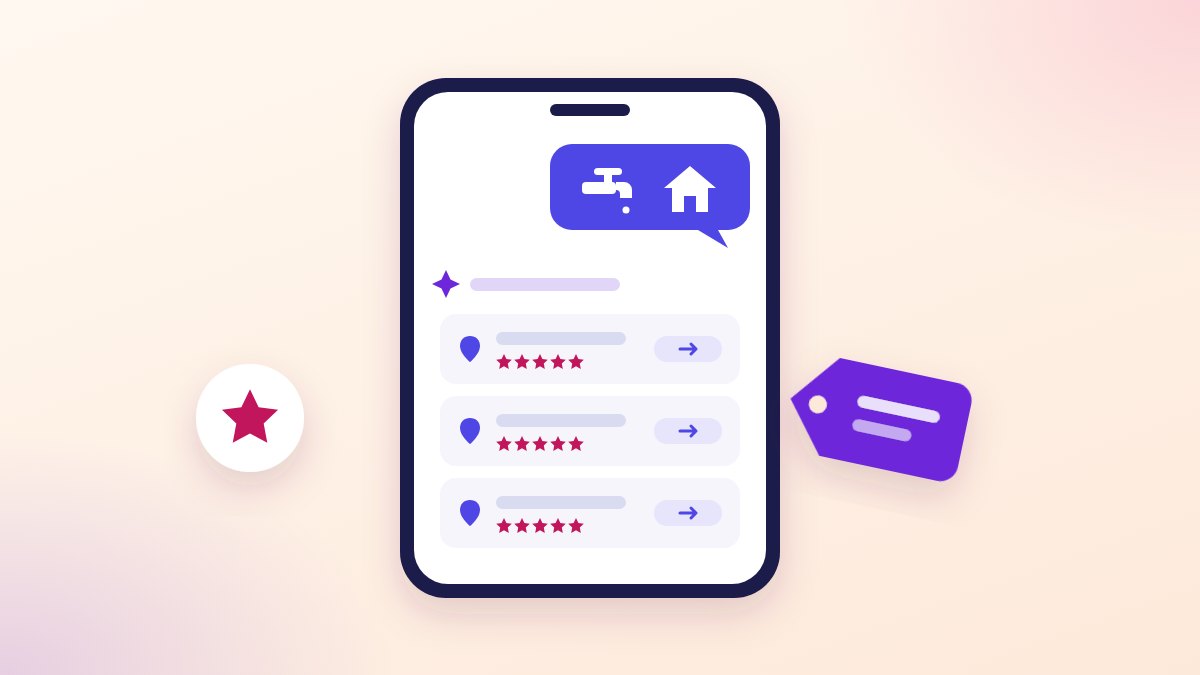
It’s the other half of the job, and it starts before the phone rings. A customer can now ask an AI assistant who to call, so we asked ChatGPT, Perplexity and Google for a plumber and a builder to see what comes back.
What they said is in What a customer sees when they ask an AI assistant for a plumber or a builder. The short version: your free Google listing and your own website are the parts you control, so sort those before you pay for any tool.
What we do for trade businesses, from the map to the paperwork, is on our page for tradies.
A made-up example: Tuesday night in Penrith
This one is made up. A plumber in Penrith finishes a hot water job late in the afternoon, and on the drive home records a voice note about what he found.
At home he pastes in what his phone typed from the voice note, with the first prompt. He reads the notes, fixes a part name the AI got wrong, and saves them to the job in his job app.
Then the email he’s been avoiding: a customer unhappy about a second visit. He types what he wants to say in his own blunt words, uses the second prompt, deletes a line offering a discount he never meant to give, and sends it. Tomorrow’s quote he does in his job app, the way he always has.
Quick answers
Which AI should a tradie use? The one you’ll open. For the writing jobs above I wouldn’t crown a winner among ChatGPT, Claude, Copilot and Gemini, and each has a free way in.3
Is there AI that does my quotes? Check your job app first. ServiceM8 says its AI drafts quotes from the job card and your past jobs;1 the price is still yours to set.
Do I need to pay for an AI app? Not to start. Use a free plan on one job for a week, and pay only when the free one runs out on something that’s helping.
Can AI answer my phone? There are tools that do, including ServiceM8’s own phone agent.1 Check what your job app already offers before signing up for another.
Want the rules written down?
On our menu this is the card Safe rules for AI in your business: what AI may touch in your business and what it must never, written down. If yours is different, we scope it.
Book a free hour, and bring your phone and the job you hate most. We’ll set up the first one together.
Sources and notes
- Verified, read 14 October 2026. ServiceM8, "AI Job Management for Trade Contractors"; no date shown on the page. https://www.servicem8.com/au/ai-job-management-software-for-trade-contractors
- Verified, read 14 October 2026. Tradify, "Features Built for Tradies"; no date shown. https://www.tradifyhq.com/au/features
- Verified, read 14 October 2026, from Australia. The four vendors' own plan pages; no dates shown. ChatGPT, a Free plan: https://chatgpt.com/pricing. Claude, a Free plan: https://claude.com/pricing. Gemini, a free-of-charge plan with a Google Account: https://gemini.google/subscriptions/. Microsoft 365 Copilot for individuals, paid plans described as "higher usage than free": https://www.microsoft.com/en-au/microsoft-365-copilot/personal
- Verified, read 14 October 2026. OpenAI Help Center, "Does ChatGPT tell the truth?"; the page says it was updated two months before it was read. https://help.openai.com/en/articles/8313428-does-chatgpt-tell-the-truth
- Verified, read 14 October 2026. Office of the Australian Information Commissioner, "Guidance on privacy and the use of commercially available AI products", published 21 October 2024, updated 17 January 2025. https://www.oaic.gov.au/privacy/privacy-guidance-for-organisations-and-government-agencies/guidance-on-privacy-and-the-use-of-commercially-available-ai-products
Sector guides
What a customer sees when they ask an AI assistant for a plumber or a builder
We asked ChatGPT, Perplexity and Google's AI for a plumber and a builder. What came back, and how to check what they say about your trade.
Rory McNeil 
Sector guides
How a building business gets found: the map, reviews and what the AI assistants say
Three parts to being found as a builder: Google's map, reviews asked the way Google allows, and what the AI assistants say. The whole how.
Rory McNeil 
AI news & hype
AI receptionist in Australia: the one thing it must never do
What an AI receptionist does well and badly, what you pay for to run one, the rules on recording calls in NSW, and the line it must never cross.
Rory McNeil