Get found
Google Ads for small business: what it costs and when it's worth it

Founder of Get AI Working
Published Updated Facts checked
In short
Google Ads costs what you decide to spend. You set an average daily budget, Google's help pages name no minimum, and on a search advert you pay when someone clicks. It's worth it when you answer the phone and the click lands on a page that matches. Start with one service, one area and a budget you're happy to lose.
Someone in Penrith types ‘plumber near me’ into Google. Some of the first results they see can be adverts, and a business paid to be there.
What that costs is up to you. Whether the money comes back depends on a few things you can check before you spend anything.
How much does Google Ads cost?
Google Ads costs what you decide to spend, and Google’s help pages name no minimum.2 You set an average daily budget for each campaign, a set of adverts with its own budget, and on a normal search advert you pay only when someone clicks.12 So your real cost is that budget, plus the time it takes to set up and watch.
Google describes the daily budget as “how much you are roughly comfortable spending each day”.2 It’s an average, not a hard stop. Google can spend more on a busy day and less on a quiet one.
Two limits keep that in check. For most campaigns, Google says you’ll never pay more than twice your daily budget in a day, or 30.4 times it in a month.2 You can change the budget at any time.2
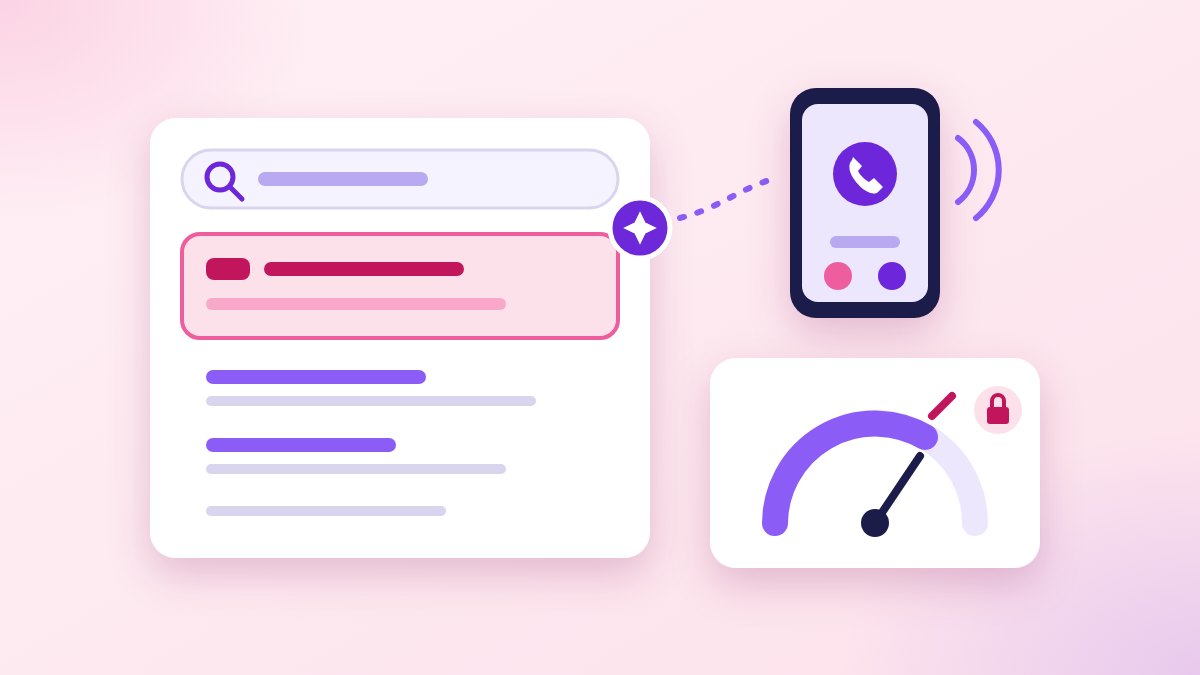
What one click costs isn’t fixed either. Google runs a quick auction every time someone searches, weighing what each advertiser is willing to pay against how useful their advert and web page are.1 So nobody can honestly tell you the right number for your business before you’ve tried it.
The useful question is how much you’re happy to spend for a month while you find out if this works. Pick that, and treat it as the price of the lesson.
What is Google Ads, in plain words?
Google Ads is how a business pays to appear at the top of Google’s search results. You choose the words people might search for, called keywords, such as ‘emergency electrician’ or ‘bookkeeper Katoomba’.
You write a short advert. When someone searches something close to those words, your advert can show.
You don’t pay for it to show. When you pay per click, Google says you’re charged “only when someone is interested enough to click your ad and go to your website”.1
Who gets the top spot isn’t only about who pays most. Google weighs your bid alongside how useful your advert and your web page are to the person searching.1
Is Google Ads worth it for a small business?
It can be, when three things are true.
- People search for what you do. Someone with a burst pipe searches. Someone who might want a loyalty card one day doesn’t. If nobody types your service into Google, an advert there has nobody to show to.
- The click lands somewhere that matches. An advert for ‘blocked drains’ should open a page about blocked drains, with your number at the top. Google says the quality of your advert and your page affects where you show.1
- Somebody answers. A click that turns into a missed call is money gone. If your phone is the gap, fix that first: our post on a text back when you miss a call shows how.
If none of that is in place yet, start with the free listing. Your Google profile shows on the map for nothing, and our post on a Google Business Profile without a shopfront address walks through it.
What does Google’s AI do to my adverts now?
More than it used to, and it changes what you need to check.
Google now offers a setting called AI Max for Search campaigns. It can match your advert to searches beyond your exact keywords, write extra headlines and descriptions for you, and send people to a different page on your site than the one you chose.3
The headline writing, which Google calls text customisation, uses “a combination of extractive techniques and generative AI”: it takes words from your website and writes new lines from them.4 Google says that from September 2026, campaigns using this feature are upgraded to AI Max automatically.4
Google’s AI writes from your website, so your website has to be right. Google’s own instruction is to “ensure that your website content is accurate, not misleading”.4
If your site still lists a service you stopped, or a price you’ve changed, the AI can put it in an advert with your name on it.
Two habits keep you in charge:
- Read what it wrote. Look at the headlines and descriptions Google made before you leave the setting on.
- Read what people searched. Google’s search terms report shows the actual searches your advert appeared for.5 If it showed for ‘free’ or ‘jobs’ or a suburb you don’t cover, you paid to learn that.
How do I stop paying for the wrong clicks?
Two settings do most of the work.
Negative keywords. These are words you tell Google to keep you away from. Google’s example is an optometrist who adds ‘wine glasses’ and ‘drinking glasses’ so their eyeglasses advert doesn’t show to people shopping for kitchenware.6 A tradie might add ‘jobs’, ‘course’ and ‘DIY’.
The area you show in. By default, Google can show your advert to people who are in your area, and also to people somewhere else who’ve searched about your area.7 If you only work in Western Sydney and the Blue Mountains, check that setting and decide whether those people are worth paying for.
How do I know if it’s working?
Count what matters to you: a call, a form sent, a booking. Google calls these conversions, and you choose which ones count.8 Without them you’ll only see clicks, and a click isn’t a customer.
Set this up before you spend, not after. Then, after a month, the question has an answer: what did it cost, and how many real enquiries came from it?
A simple start for this month
- Pick one service and one area. The job you most want more of, where you most want to do it.
- Make one page for it. What you do, the area, your number at the top, a form that reaches you.
- Set a daily budget you’re happy to spend for a month while you learn.2
- Track calls and forms as conversions before the first advert runs.8
- Add negative keywords for the searches that will never be customers.6
- Read the search terms and the AI-written lines every week.45 Cut what’s wrong.
- Judge it after a month on enquiries and their cost, not on clicks.
Nobody can promise you a position or a result from Google Ads. What you control is where you show, who you show to, what it says and how much you spend.
Quick answers on what Google Ads costs
Is there a minimum spend on Google Ads?
Google’s help pages name no minimum spend. You set an average daily budget for each campaign, and you can change it at any time.2 Start with an amount you’d be comfortable losing while you learn.
Can Google spend more than my daily budget?
Yes, on some days: for most campaigns, Google can spend up to twice your daily budget on a busy day and less on a quiet one.2 Over a month it won’t charge you more than 30.4 times your daily budget, the average number of days in a month.2 If your adverts run only on some days, such as weekdays, that monthly limit stays the same, so Google can spend the whole month’s amount in fewer days.12
Do I pay for every click or every view?
For a normal advert on Google search, you pay when someone clicks, not when the advert is shown.1 Some other Google adverts are paid differently: on YouTube you can pay when someone watches or interacts with a video advert, and on other websites you can pay by how many times the advert is seen.910 Check which one a campaign uses before you set it running.
How do I set up Google Ads myself?
Google’s sign-up asks for your business details, your goal and budget, and your payment details.11 Before you start, have the one page your advert will send people to, and set up tracking for calls and forms.8 The simple start above is the order to do it in.
What do I pay an agency on top of the ad spend?
That depends on the agency, so ask what the fee covers, whether they take a share of your ad spend, and whose account the adverts sit in. Your advertising money should go to Google from an account in your own name. That’s how our Online Ads works, and its price is below.
If you’d rather hand it over
Online Ads puts your adverts on the two platforms that suit your customers, chosen in a written plan, on a budget you cap. We set up tracking first, so you can see what each dollar brings in, then build your first campaigns in your own accounts, write the adverts and watch the first month. The advertising budget is yours, paid straight to the platforms, with no cut to us.
Introductory price: from AU$995 for work booked by 31 January 2027. From 1 February 2027 it is from AU$1,495. No GST added.
If what you need is different, we scope it and quote it in writing. Book a free hour.
Sources and notes
- Verified, read 25 November 2026 (first read 31 October 2026). Google Ads Help, "Using Google Ads for online marketing"; no date shown on the page. https://support.google.com/google-ads/answer/6227565?hl=en-AU
- Verified, read 25 November 2026 (first read 31 October 2026). Google Ads Help, "About average daily budgets"; no date shown on the page. https://support.google.com/google-ads/answer/6385083?hl=en-AU
- Verified, read 25 November 2026 (first read 31 October 2026). Google Ads Help, "About AI Max for Search campaigns"; no date shown on the page. https://support.google.com/google-ads/answer/15910366?hl=en-AU
- Verified, read 25 November 2026 (first read 31 October 2026). Google Ads Help, "About text customisation in search campaigns"; no date shown on the page. https://support.google.com/google-ads/answer/11259373?hl=en-AU
- Verified, read 25 November 2026 (first read 31 October 2026). Google Ads Help, "About the search terms report"; no date shown on the page. https://support.google.com/google-ads/answer/2472708?hl=en-AU
- Verified, read 25 November 2026 (first read 31 October 2026). Google Ads Help, "About negative keywords"; no date shown on the page. https://support.google.com/google-ads/answer/2453972?hl=en-AU
- Verified, read 25 November 2026 (first read 31 October 2026). Google Ads Help, "About targeting geographic locations"; no date shown on the page. https://support.google.com/google-ads/answer/2453995?hl=en-AU
- Verified, read 25 November 2026 (first read 31 October 2026). Google Ads Help, "About conversion measurement"; no date shown on the page. https://support.google.com/google-ads/answer/1722022?hl=en-AU
- Verified, read 25 November 2026 (first read 17 November 2026). Google Ads Help, "About YouTube's cost per view (CPV) bidding"; no date shown on the page. https://support.google.com/google-ads/answer/2472735?hl=en-AU
- Verified, read 25 November 2026 (first read 17 November 2026). Google Ads Help, "Cost-per-thousand impressions (CPM): Definition"; no date shown on the page. https://support.google.com/google-ads/answer/6310?hl=en-AU
- Verified, read 25 November 2026 (first read 17 November 2026). Google Ads Help, "Create a Google Ads account: How to sign up"; no date shown on the page. https://support.google.com/google-ads/answer/6366720?hl=en-AU
- Verified, read 25 November 2026. Google Ads Help, "About spending limits"; no date shown on the page. https://support.google.com/google-ads/answer/10486637?hl=en-AU
Get found
What does a small business website cost in Australia? The parts, and what AI has changed
A small business website costs a build, paid once, and running costs, paid every year. Here's what each part pays for, what AI has changed about building and reading websites, and what to ask before you pay anyone.
Rory McNeil 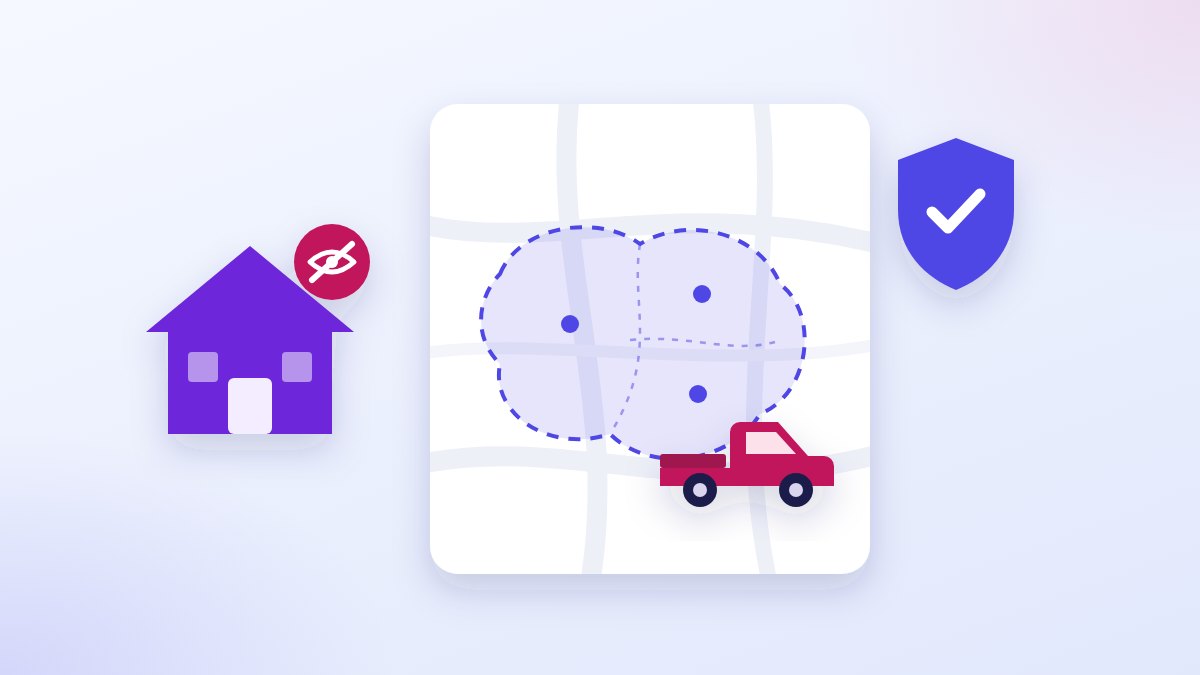
Get found
Google Business Profile without an address, step by step
How a tradie or home-based business gets on Google Maps with no shopfront: hide your home address, set the suburbs you cover and get verified.
Rory McNeil 
Get found
More Google reviews the lawful way, with the link and the message to send
How to ask every customer for a Google review: where to find your review link, what to say, the text to send, and Google's own rules.
Rory McNeil