Get found
Google Business Profile without an address, step by step

Founder of Get AI Working
Published Facts checked
In short
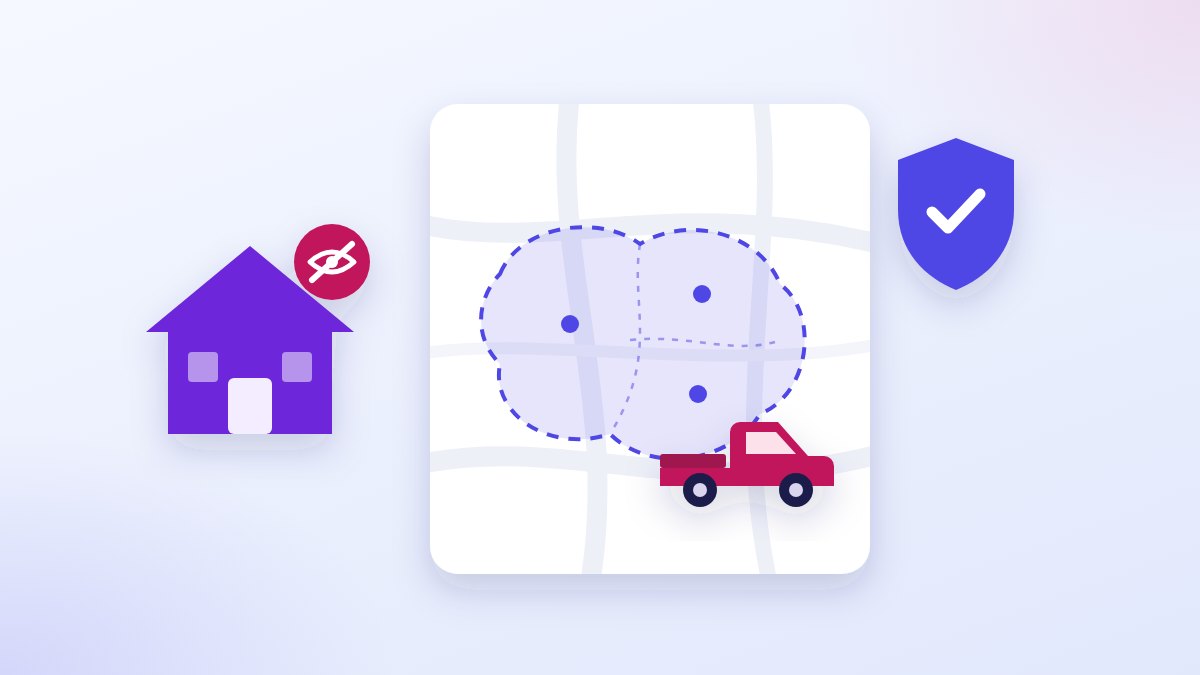
Yes, you can. Google says a business that goes to its customers should hide its address and list the areas it serves instead. Answer No when Google asks if customers can visit you, add your suburbs, and verify the way Google offers. If Google asks for your home address to verify, give it; customers won't see it.
You work from home, or from the ute. You want to be on Google Maps when someone nearby searches for your trade, and you don’t want your home address on the internet.
Google allows exactly that, and its own help pages say how. Here’s the whole set-up, in Google’s words where it matters, so you can do it tonight without paying anyone.
Can you have a Google Business Profile without an address?
Yes. Google’s guidelines say you can have a profile if your business “travels to customers where they are”, and that “If you’re a service-area business, you should hide your business address from customers”.1
Google even uses a tradie as its example: “if you’re a plumber and run your business from your residential address, clear the address from your Business Profile”.1 A Business Profile is the free Google listing that puts you on the map.
What you can’t use instead: Google says “P.O. boxes or mailboxes located at remote locations aren’t acceptable”, and a rented mailing address you don’t work from, which it calls a virtual office, “isn’t eligible for a Business Profile”.1
Are you a shopfront, a service-area business or both?
It depends on whether customers come to you. Google sorts businesses three ways:2
- A shopfront: customers visit you, during your hours, at a place with a sign.
- A service-area business: you go to them. Google’s examples are “cleaning services or plumbers”.
- A hybrid: both, like a workshop that also does call-outs.
The sign settles it. Google says “If your business doesn’t have permanent on-site signage, it’s not eligible as a storefront and should be listed as a service-area business”.2 A home office with no sign out the front is a service-area business.
Does Google still need your home address?
It may, to verify you, and it stays private if you set it that way. Google’s address page says “To verify your business, enter a business address that Google can find”, and also that “The address on your Business Profile is public” unless you choose not to show it.3
Google’s pages pull two ways here, so it’s worth knowing. Its sign-up steps for a business with no shopfront ask only for your service area,4 while its postcard check asks you to make sure your “business mailing address is correct”.5
So my rule: if Google asks for an address, give it your real one, and make sure “Show business address to customers” is off before you finish. Customers then see your suburbs, not your street.
How do you set it up from scratch?
Use Google’s own sign-up steps, on a computer:4
- Sign in to a Google account. Google suggests using your business email if you create a new one.
- Go to business.google.com/add8 and type your business name. If Google says someone else has already verified it, request ownership instead of starting again.
- Search for your category, the one-line answer to what your business is, such as Plumber or Electrician. Click Next.
- When asked whether you have a location customers can visit, click No. This is the step that keeps your address off the map.
- Enter your service area: the suburbs, cities or postcodes you work in.
- Enter your phone number and website, click Next, then Finish.
- Choose Verify now or Verify later. Google recommends reviewing your details before you ask to be verified.
Don’t skip the last step. Google says “Customers can only find your business profile on Google after you complete verification”.4
How do you hide the address on a profile you already have?
Turn one setting off. Google’s steps:3
- Go to your Business Profile.
- Select Edit profile, then Location.
- Next to “Business location”, select Edit.
- Turn off Show business address to customers.
- Select Save.
Set your areas straight after. Google says that if you hide your address and don’t enter a service area, “a local area is chosen for you”.3
How do you set the areas you serve?
By suburb, city or postcode, not by distance. Google says “You can’t set your service area as a radius distance around your business”.2
The steps:2 go to your Business Profile, select Edit profile, then Location; next to “Service area”, select Edit; pick a suggested area or type one in; then Save.
You can list up to 20 areas, and Google says the whole area “shouldn’t be more than about 2 hours of driving time from where your business is based”.2
Its advice is to “be as specific and accurate as possible”. So list the suburbs you actually take work in: for a Blue Mountains sparky that might be Blaxland, Glenbrook and Springwood, not all of Sydney.
Changes aren’t instant: Google says approved service-area edits “may take up to 48 hours to show” on your profile.2
What will Google ask for to verify you?
Whatever it offers you, and you don’t get to choose. Google says “Verification methods are automatically determined by Google and can’t be changed”.5
The methods on its page are a phone call or text, email, a live video call, a video you record, and a postcard.5 Google says that if you’re eligible for a video, “we recommend that you use this option”.5 Google says verification reviews “take up to 5 business days”.5
If you get the postcard, sit on your hands until it arrives. Google says not to edit your business name, address or category while you wait, because “the code we sent you won’t work”, and not to ask for a new code.5 Most codes arrive “within 14 days”, and a code expires “after 30 days”.5
What does the video need to show if you work from home?
Three things: where you work from, that the business is real, and that you run it. Google’s video page spells out what a service-area business must show:6
- Where your business operates. Street signs or landmarks near your business address. Google’s tip: “If you run a service-area business from your home, you can record landmarks and signs in your immediate neighborhood to verify the address.”
- Proof the business exists. “The professional tools, equipment, or products you use for work”, which can include business cards or branded work shirts.
- Proof you run it. Google asks you to film yourself doing the work, or using something only the business has, such as opening a van with your business name on it. A permit, an invoice or a utility bill in the business name also counts.
The rules on the recording itself: one take, “unedited, unique, and complete” with “no breaks”, filmed live on your phone through your Business Profile, with no “Sensitive info like bank account, tax, or ID numbers” and no “Other people’s faces”.6 It must be “at least 30 seconds long”.6
To record it on your phone: open your Business Profile, tap Get verified, then Business video, then Next; read the requirements; tap Next, then Start recording; stop, watch it back, and tap Upload video.6
A made-up example: the shot list
This one is made up. An electrician in Blaxland works from home and gets offered video verification.
He plans it first: walk to the corner and film the street sign, then the shop on the corner. Back to the driveway: the ute with his business name on the door, opened with his key, the tools in the back. Last, an invoice in the business name, with the bank details and ABN folded under, because Google rules out bank and tax numbers.
One take, no cuts, and nobody’s face but his own hand on the door.
What if verification doesn’t work?
Try again with what Google offers. Google says that if the “Get verified” button shows up again, “it means Google couldn’t completely verify your business”, and if a video comes back with “Review issues”, select it and follow the steps on screen.5
If you’re verified and still can’t find yourself on the map, that’s a different problem. Verified on Google, still invisible on Maps goes through it check by check, and why your business isn’t showing up on Google covers the rest.
What else goes on the profile?
Your real business name, a phone you control, and the hours customers can reach you. Google says your name should match the one “used consistently on your storefront, website, stationery”, with no extra words, and the phone number “must be under the direct control of the business”.1
So no suburb tacked on the end of your name and no list of services in it. The same name as your ute and your invoices.
Quick answers
Can I use my home address? To verify, yes, if Google asks for one. Turn off Show business address to customers so it isn’t public.3
Can I use a PO box? No. Google says they “aren’t acceptable”.1
Will this get me to the top of the map? No one can promise that. Google says “There’s no way to request or pay for a better local ranking on Google”.7
Can I have one profile per suburb? No. Google says a service-area business “can only have one profile for the whole area that they serve”.2
Want it set up for you?
On our menu this is the card Show up on the map: your Google profile set up properly. It’s part of Start here, the first step we offer. If yours is different, we scope it.
Book a free hour, and bring your phone. We’ll open your profile together and get it right.
Sources and notes
- Verified, read 14 October 2026. Google Business Profile Help, "Guidelines for representing your business on Google"; no date shown on the page. https://support.google.com/business/answer/3038177
- Verified, read 14 October 2026. Google Business Profile Help, "Manage your service areas for service-area & hybrid businesses"; no date shown. https://support.google.com/business/answer/9157481
- Verified, read 14 October 2026. Google Business Profile Help, "Manage your business address"; no date shown. https://support.google.com/business/answer/2853879
- Verified, read 14 October 2026. Google Business Profile Help, "Sign up for Business Profile"; no date shown. https://support.google.com/business/answer/10514137
- Verified, read 14 October 2026. Google Business Profile Help, "Verify your business on Google"; no date shown. https://support.google.com/business/answer/7107242
- Verified, read 14 October 2026. Google Business Profile Help, "Verify your business with a video recording"; no date shown. https://support.google.com/business/answer/14271705
- Verified, read 14 October 2026. Google Business Profile Help, "Tips to improve your local ranking on Google"; no date shown. https://support.google.com/business/answer/7091
- Verified, read 14 October 2026. Google Business Profile Help, "Add or claim your Business Profile", for the address business.google.com/add; no date shown. https://support.google.com/business/answer/2911778
Get found
Your business is not showing up on Google: the four faults, and which one you have
Four faults on Google's own pages can hide a business. How to tell from your phone which one is yours, and how to fix it yourself.
Rory McNeil 
Get found
More Google reviews the lawful way, with the link and the message to send
How to ask every customer for a Google review: where to find your review link, what to say, the text to send, and Google's own rules.
Rory McNeil 
Get found
Verified on Google, still invisible on Maps: what to check
Verified on Google and still missing from Maps? Five checks from Google's own help pages, in order, and the fix for each.
Rory McNeil