AI news & hype
Costs keep rising: five jobs AI can take off your week

Founder of Get AI Working
Published Facts checked
In short
AI won't lower your rent, your wages or your power bill. What it can do is take hours of admin off your week: checking supplier bills for price rises, counting subscriptions, chasing unpaid invoices, drafting quotes from your notes and writing up meetings. A person still checks everything before it goes out.
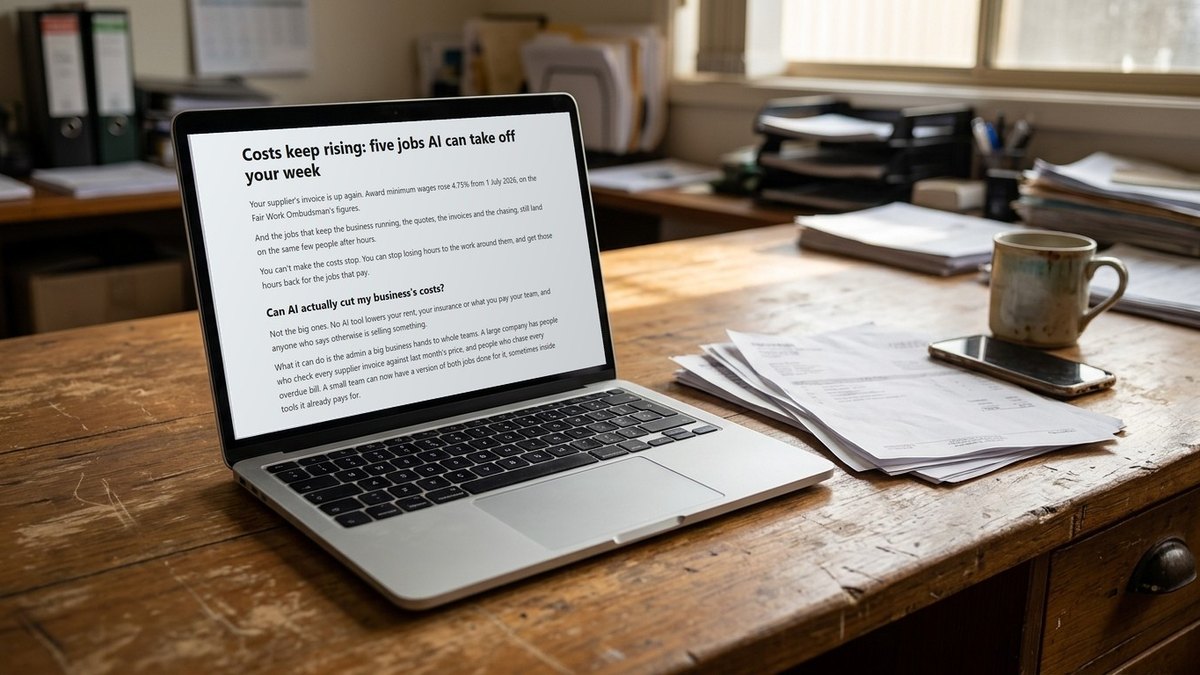
Your supplier’s invoice is up again. Award minimum wages rose 4.75% from 1 July 2026, on the Fair Work Ombudsman’s figures.1
And the jobs that keep the business running, the quotes, the invoices and the chasing, still land on the same few people after hours.
You can’t make the costs stop. You can stop losing hours to the work around them, and get those hours back for the jobs that pay.
Can AI actually cut my business’s costs?
Not the big ones. No AI tool lowers your rent, your insurance or what you pay your team, and anyone who says otherwise is selling something.
What it can do is the admin a big business hands to whole teams. A large company has people who check every supplier invoice against last month’s price, and people who chase every overdue bill. A small team can now have a version of both jobs done for it, sometimes inside tools it already pays for.
Big businesses have moved first. The Australian Bureau of Statistics found around 35% of large businesses used AI in 2024-25, against around 11% of small and micro businesses.2 Here are five jobs to start closing that gap, and the full picture is on our Get time back page.
1. Which supplier bills have crept up?
A price rise doesn’t always arrive with a letter. It can turn up as a few dollars more on an invoice nobody compares with last month’s.
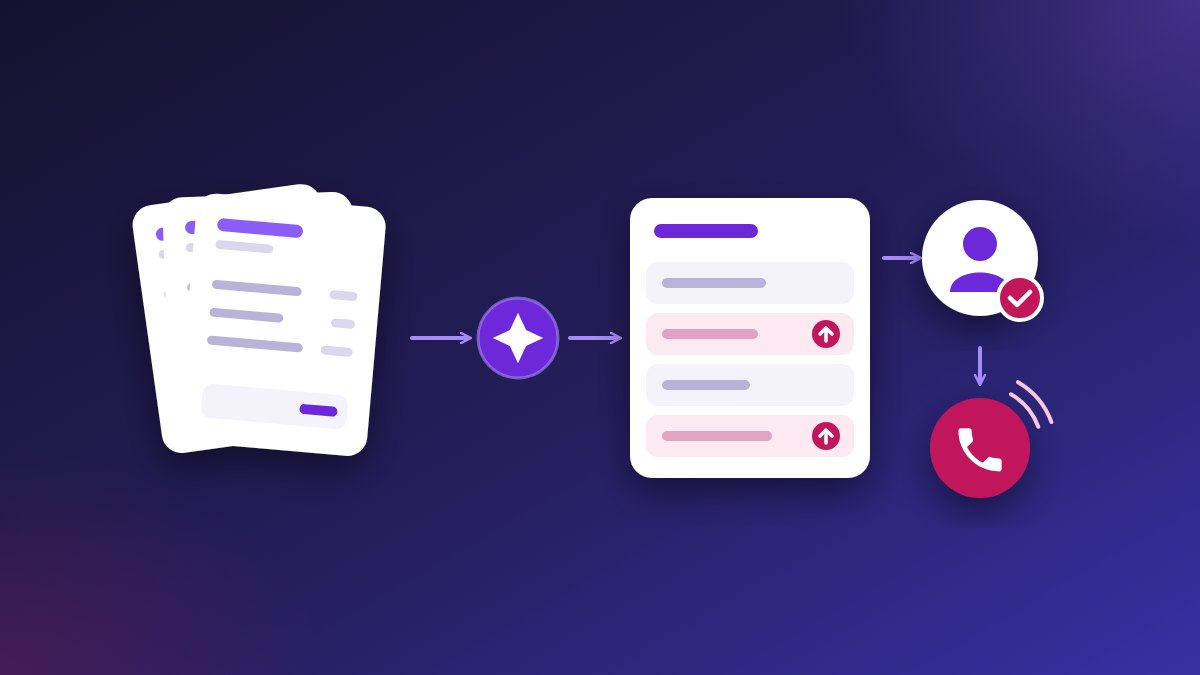
Export the last three months of supplier bills from your accounting app, or gather the PDFs. Google’s Gemini can read documents and spreadsheets you upload, up to 10 files at a time, and answer questions about them.3 Copilot in Excel can find trends in a spreadsheet and the figures that look out of line with the rest, if your Microsoft 365 plan includes it.4
Then ask something like this:
Compare these supplier bills month by month. List every item whose unit price went up, by how much, and on which bill. Flag any charge that wasn’t there before.
Check what comes back against the bills themselves before you ring anyone. AI can misread a table, so treat its list as where to look, not as the answer.
2. Which subscriptions is nobody using?
Software subscriptions are the other quiet creep. Open last month’s card statement, list every subscription and tick what someone used last week.
Our guide before you pay for another AI app walks through it. It also shows how to check whether a tool you already pay for does the job of the one you’re about to buy.
3. Can the invoices chase themselves?
Late payment is a cost too: the money is yours, but you can’t use it yet. And the call asking for it is the job everybody puts off.
If you use Xero, it can send reminders for you. It sets up three reminders when you turn them on, you can have up to five, and you can stop them for a customer you’ve already spoken to.5
You can also get the wording written for you. Ask your AI assistant to write three reminders in your voice, polite first and firmer last, then paste them into your accounting app’s reminder settings.
Other accounting apps have reminder settings of their own, so check yours before you pay for a separate tool. For what the AI inside Xero and MYOB does with your books, read can AI do my bookkeeping?
4. Can AI turn my site notes into a quote?
A quote written at the kitchen table late at night is time nobody pays you for.
Record a voice note on your phone as you walk the job, or type rough notes. Paste them, with your price list, into ChatGPT, Copilot or Gemini, and ask for a quote the customer can read: a short summary, the items and prices in a table, and what’s not included.
Check every price and every line before it goes out, because the AI only knows what you told it. Then follow it up: our quote follow-up email template has the wording.
5. Who writes up the meeting?
A meeting costs the hours of everyone in it, then more hours when someone types up the notes.
Google Meet’s “Take notes for me” writes the notes into a Google Doc and emails the organiser a link when the meeting ends, on eligible Google Workspace or Google AI plans.6 Meet shows everyone that notes are being taken,6 but say so out loud before you start anyway.
Other meeting tools have similar features, so check the one you use. Phone calls have stricter rules on recording, which our post on the one thing an AI receptionist must never do explains for NSW.
Not every saving needs AI
For your power bill, the government has a free tool that compares plans. Energy Made Easy, the Australian Government’s free price comparison service, covers households and small businesses in NSW, Queensland, South Australia, Tasmania and the ACT.7
You enter the usage from your recent bills, and it shows the estimated cost of each plan open to small businesses.8 It doesn’t tell you what you’d save, so compare its figures with your own bills.8
No AI plan required, and no sign-up to anything.
What never goes into an AI assistant?
Before anyone in your team pastes a bill, a quote or a customer’s details into an AI tool, agree what stays out. The Office of the Australian Information Commissioner recommends that organisations “do not enter personal information, and particularly sensitive information” into publicly available AI tools.9
In practice, change names, phone numbers and addresses before you paste, and use one AI plan for the business rather than everyone’s free accounts. Where to start with AI covers the rest.
Common questions
Does AI actually save a small business money? It saves time, which only turns into money if the hours go somewhere useful, like quoting more jobs or going home earlier. Nobody can promise a figure for your business, and be wary of anyone who does.
Which AI assistant should we use? The one that comes with the email and documents you already use is the simplest place to start. Our comparison of ChatGPT, Copilot, Claude and Gemini explains why the plan matters more than the name.
Is it safe to upload supplier bills? A supplier bill is mostly business details, but check it for anyone’s personal information first. Then read your AI plan’s settings on whether the company behind it keeps your files to teach its AI, and turn that off if you can.
If you’d rather hand it over
AI Automation works out where your hours go, then sets AI up to do three of the jobs that eat your week, such as quotes, invoices, the inbox or reports. It includes your AI plan set up for the business, written safe rules for what goes into AI and what never does, and a helper that knows how you do things, so your team can ask it. Your AI plan, and any tool a job needs, are paid separately.
If what you need is different, we scope it and quote it in writing. Whatever we build is yours. Book a free hour.
Sources and notes
- Verified, read 25 November 2026 (first read 8 November 2026). Fair Work Ombudsman, "Annual Wage Review 2026", published 28 May 2026, updated 1 July 2026: "From 1 July 2026 minimum award wages increase by 4.75%". https://www.fairwork.gov.au/about-us/workplace-laws/annual-wage-review/annual-wage-review-2026
- Verified, read 25 November 2026 (first read 8 November 2026). Australian Bureau of Statistics, media release "Business adoption of Artificial Intelligence accelerates in 2024-25", 25 June 2026. Micro and small businesses are given as one figure. https://www.abs.gov.au/media-centre/media-releases/business-adoption-artificial-intelligence-accelerates-2024-25
- Verified, read 25 November 2026 (first read 8 November 2026). Google, Gemini Apps Help, the page on uploading and analysing files in Gemini Apps; no date shown on the page. https://support.google.com/gemini/answer/14903178
- Verified, read 25 November 2026 (first read 8 November 2026). Microsoft Support, "Get started with Copilot in Excel"; no date shown on the page. https://support.microsoft.com/en-us/office/get-started-with-copilot-in-excel-d7110502-0334-4b4f-a175-a73abdfc118a
- Verified, read 25 November 2026 (first read 8 November 2026). Xero Central, "How invoice reminders work"; no date shown on the page. https://central.xero.com/0/article/How-invoice-reminders-work
- Verified, read 25 November 2026 (first read 8 November 2026). Google Meet Help, "'Take notes for me' in Google Meet"; no date shown on the page. https://support.google.com/meet/answer/14754931
- Verified, read 25 November 2026 (first read 8 November 2026). Energy Made Easy, "Who can use Energy Made Easy?", last updated 25 October 2023. https://www.energymadeeasy.gov.au/frequently-asked-questions/what-is-energy-made-easy
- Verified, read 25 November 2026 (first read 8 November 2026). Energy Made Easy, "How the Energy Made Easy plan search works", last updated 23 July 2026. https://energymadeeasy.gov.au/article/how-the-energy-made-easy-plan-search-works
- Verified, read 25 November 2026 (first read 8 November 2026). Office of the Australian Information Commissioner, "Guidance on privacy and the use of commercially available AI products", published 21 October 2024, updated 17 January 2025. https://www.oaic.gov.au/privacy/privacy-guidance-for-organisations-and-government-agencies/guidance-on-privacy-and-the-use-of-commercially-available-ai-products

AI news & hype
Is a brand refresh worth it? Yes, when your look doesn't match from the van to the website
What a brand refresh is and isn't, the signs a small business needs one, what it covers from the logo to the van, what it takes in time, the sign and trade mark rules to check in NSW, and what AI changes about it.
Rory McNeil 
In the picture: the website of our founder's own family business.
AI news & hype
Is WordPress dead because of AI? No, but it's shrinking
No: WordPress is still the most used website system by a long way, but its share of websites is shrinking and more sites are built without one. Here's what that means for your business's site.
Rory McNeil 
AI news & hype
Chatbot for small business: what it must never make up
A chatbot answers questions on your website by itself. What it says, your business said, so here's how to make one that answers from your list, says it's a machine and takes details for the rest.
Rory McNeil